> ## Documentation Index
> Fetch the complete documentation index at: https://cometchat-22654f5b-message-composer-compact-message-composer.mintlify.site/llms.txt
> Use this file to discover all available pages before exploring further.
# Call
> Overview of CometChat's audio and video calling features including incoming calls, outgoing calls, and call logs — with the UI Kit components that power each feature.
| Field | Value |
| ---------------- | ------------------------------------------------------------------------------------------------------------------------------------------------------------------------------------------------------------------------------------------------------------------------------- |
| Packages | `@cometchat/chat-uikit-react` + `@cometchat/calls-sdk-javascript` (`npm install @cometchat/calls-sdk-javascript`) |
| Required setup | `CometChatUIKit.init(UIKitSettings)` then `CometChatUIKit.login("UID")` — Calls SDK must also be installed |
| Call features | Incoming Call, Outgoing Call, Call Logs, Call Buttons |
| Key components | `CometChatCallButtons` → [Call Buttons](/ui-kit/react/call-buttons), `CometChatIncomingCall` → [Incoming Call](/ui-kit/react/incoming-call), `CometChatOutgoingCall` → [Outgoing Call](/ui-kit/react/outgoing-call), `CometChatCallLogs` → [Call Logs](/ui-kit/react/call-logs) |
| Auto-detection | UI Kit automatically detects the Calls SDK and enables call UI components |
| CSS class prefix | `.cometchat-` |
## Overview
CometChat Calls integrates 1:1 and group audio/video calling into the React UI Kit. Install the Calls SDK and the UI Kit auto-detects it, enabling call components.
Ensure `CometChatUIKit.init(UIKitSettings)` has completed and the user is logged in via `CometChatUIKit.login("UID")`. See [React.js Integration](/ui-kit/react/react-js-integration).
## Integration
Install the Calls SDK:
```bash lines theme={null}
npm install @cometchat/calls-sdk-javascript
```
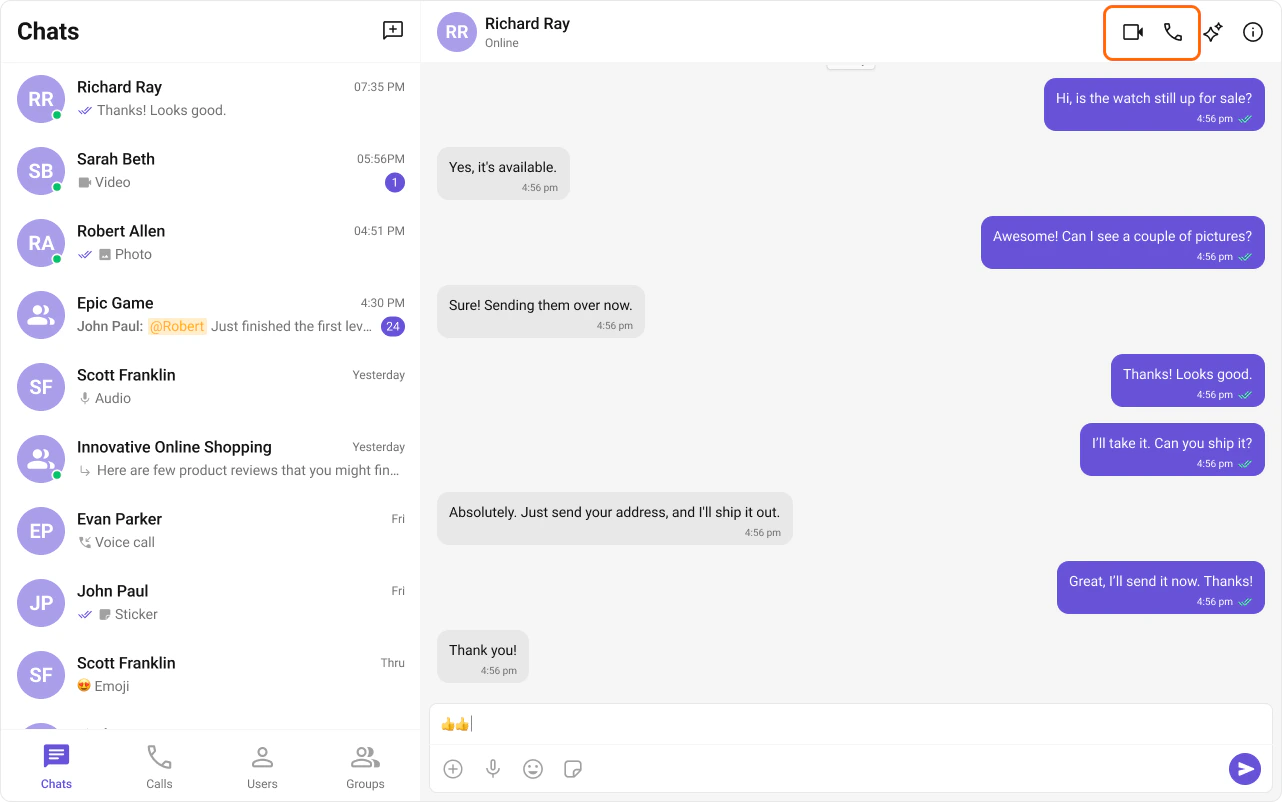
The React UI Kit auto-detects the SDK and activates calling features. [CallButtons](/ui-kit/react/call-buttons) renders in [MessageHeader](/ui-kit/react/message-header).
 ## Features
### Incoming Call
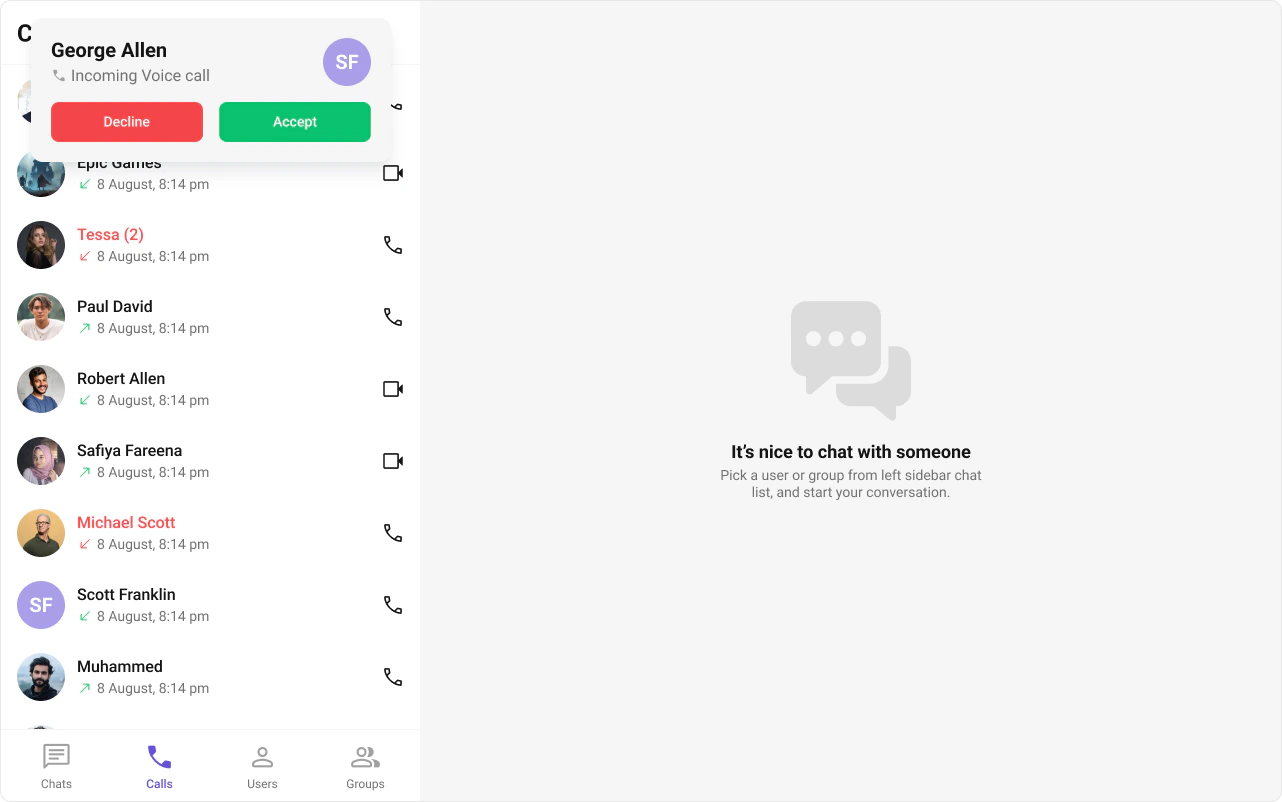
The [Incoming Call](/ui-kit/react/incoming-call) component displays a call screen when a call is received, showing caller info with accept/reject options.
## Features
### Incoming Call
The [Incoming Call](/ui-kit/react/incoming-call) component displays a call screen when a call is received, showing caller info with accept/reject options.
 ### Outgoing Call
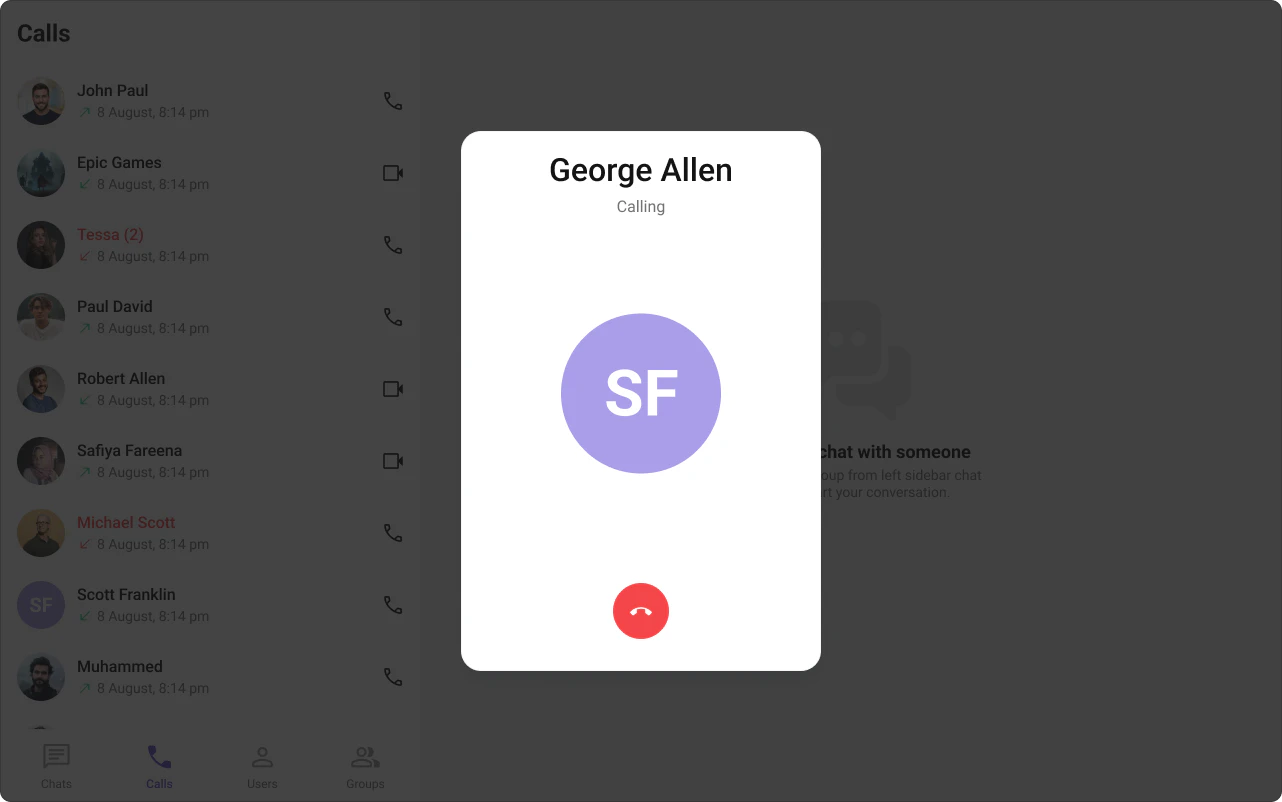
The [Outgoing Call](/ui-kit/react/outgoing-call) component displays an outgoing call screen with recipient info and call status. Transitions to the ongoing call screen when the receiver accepts.
### Outgoing Call
The [Outgoing Call](/ui-kit/react/outgoing-call) component displays an outgoing call screen with recipient info and call status. Transitions to the ongoing call screen when the receiver accepts.
 ### Call Logs
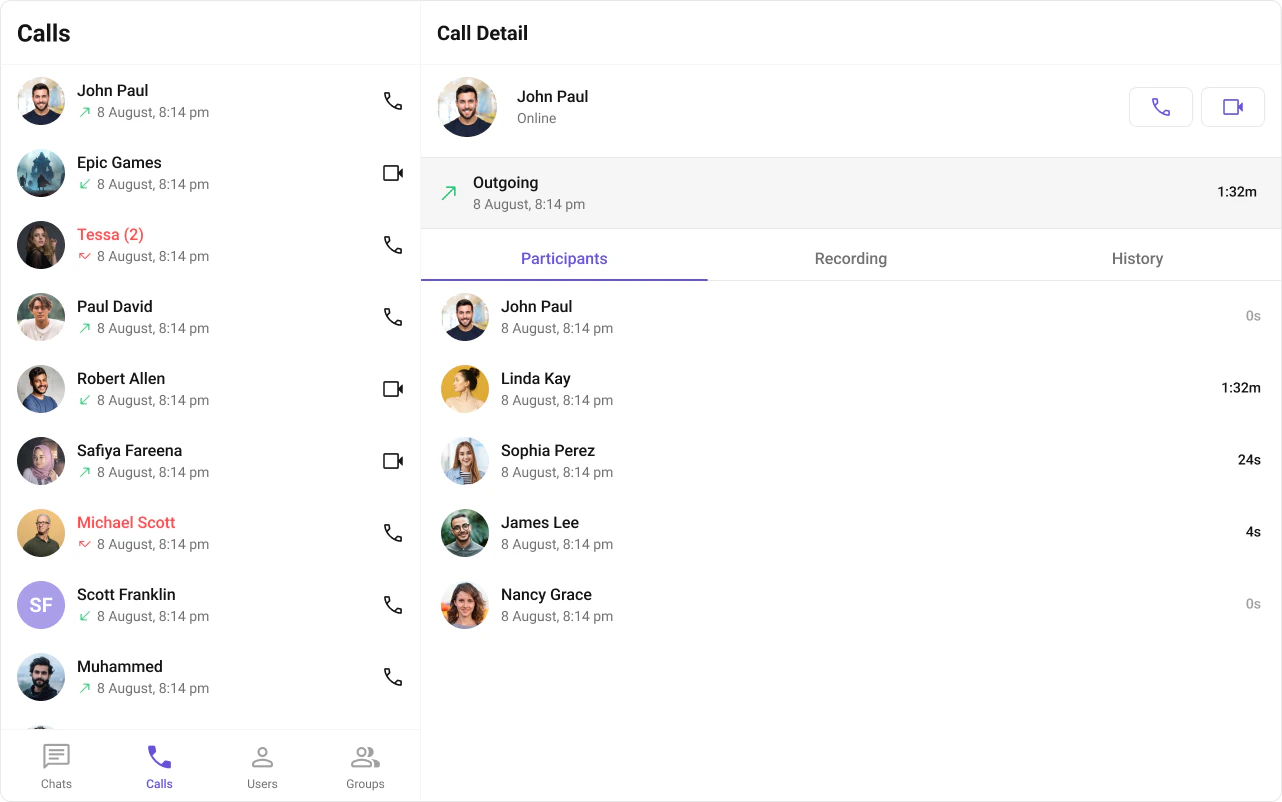
The [Call Logs](/ui-kit/react/call-logs) component displays call history — caller, time, and duration.
### Call Logs
The [Call Logs](/ui-kit/react/call-logs) component displays call history — caller, time, and duration.
 ## Next Steps
Audio and video call buttons
Incoming call notifications and UI
Call history and details
Core chat features
## Next Steps
Audio and video call buttons
Incoming call notifications and UI
Call history and details
Core chat features